

Your Portal to the Internet, Re-Imagined
A desktop built for the web. Organize up to 1,000 shortcuts across 50 pages—and leave the bookmark mess behind.
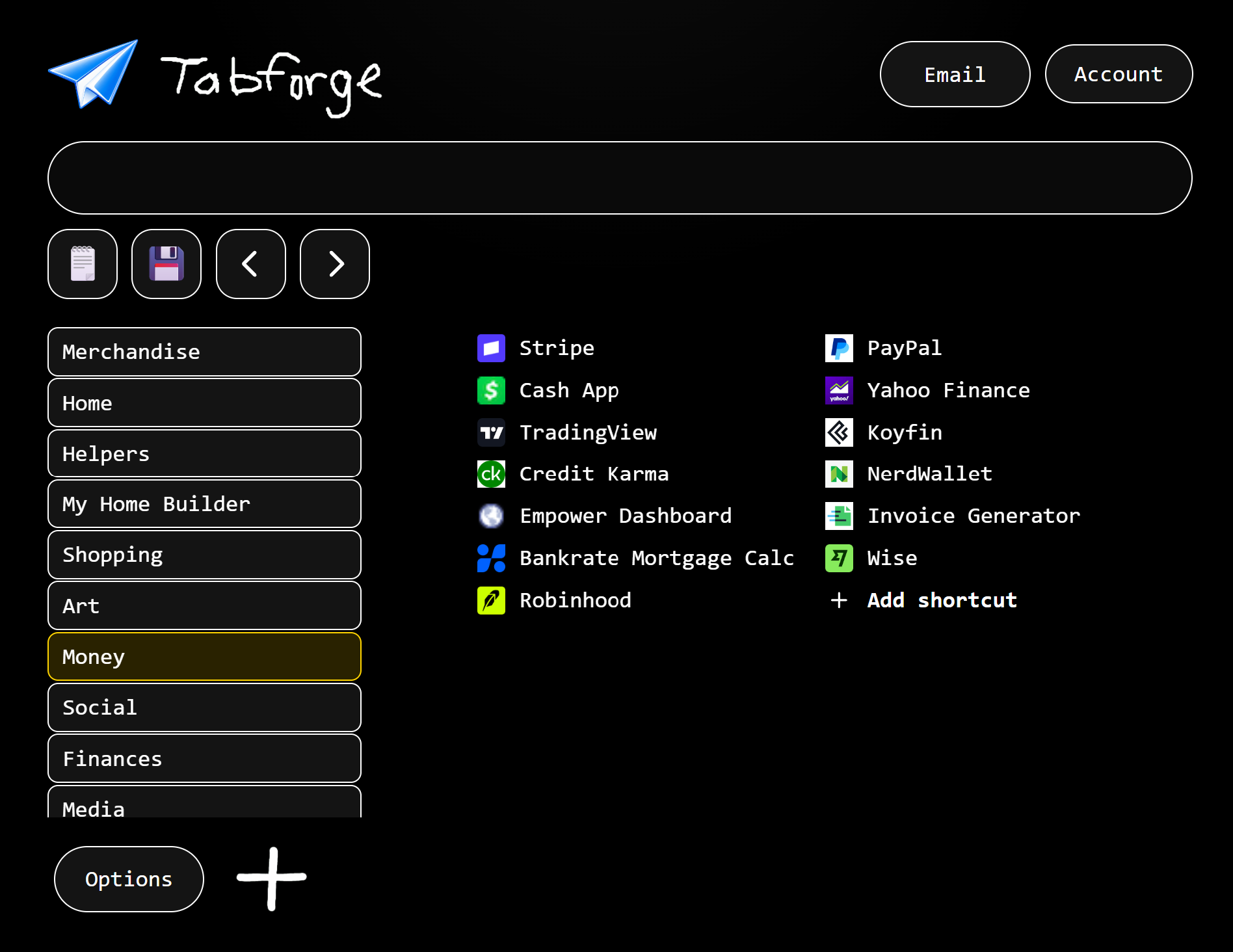
Open the browser. Everything is there.
Remove, rename, replace, rebuild. TabForge fits the way you actually use the web.
Start clean
Save the sites you use. Stop digging through bookmarks.
Shape the workspace
Separate work, personal projects, research, and more across up to 50 pages.
Keep control
Save locally or use private sync across five devices. We do not track what you click.
Useful starting points. Fully editable.
Builder, Money, Web / Dev, Media, and Research come with permanent Pro. Change every shortcut.
Builder
Codes, calculators, weather, product data, and trade references.
Money
A clean starting set for tracking, planning, and business finances.
Web / Dev
Documentation, hosting, testing, and the tools around your stack.
Media
Create, edit, publish, and keep the working tools close.
Research
Find sources, check claims, organize notes, keep moving.
Your page
Delete the starting set and build exactly what you need.
One public offer. Clear renewal terms.
Get started with the core local workspace.
- Flexible shortcut organization
- Local browser saves
- Add / remove / rearrange
Install directly from the Chrome Web Store.
Permanent Pro plus 60 included days of private device sync. Sync then auto-renews at $5/month until canceled from Account.
- High-capacity shortcut pages
- Multi-page workspaces
- All Pro layout options
- Builder, Money, Web / Dev, Media, and Research collections
- Local storage for notes and images on 1 device
- First 60 days: layouts, shortcuts, and cloud notes sync across up to 5 devices
- After day 60: sync renews at $5/month; cancel anytime in Account
- After cancellation: Pro stays yours and keeps latest, one-day, and seven-day layout recovery points
Install from the Chrome Web Store, then sign in from Account and refresh purchases if your unlocks do not appear.
Skin collections and icon packs are being delayed for a later release as optional one-time visual add-ons.
- No skin or icon checkout is active right now
- Current utility collections stay included with Pro